1. Lock Down Your Social Media Privacy
Have employees limit information visibility of their profiles:
• LinkedIn: Me > Settings & Privacy > Visibility
• Facebook: Settings & Privacy > Settings > Privacy
• Instagram: Settings > Privacy > Account Privacy > Private Account
For others, Google “[platform] privacy settings” — most have steps published to limit your visibility.
2. Rethink How Much Your Business Shares Online
• Testimonials: First names and interaction context are fine. Avoid last names, job titles, or identifying project specifics.
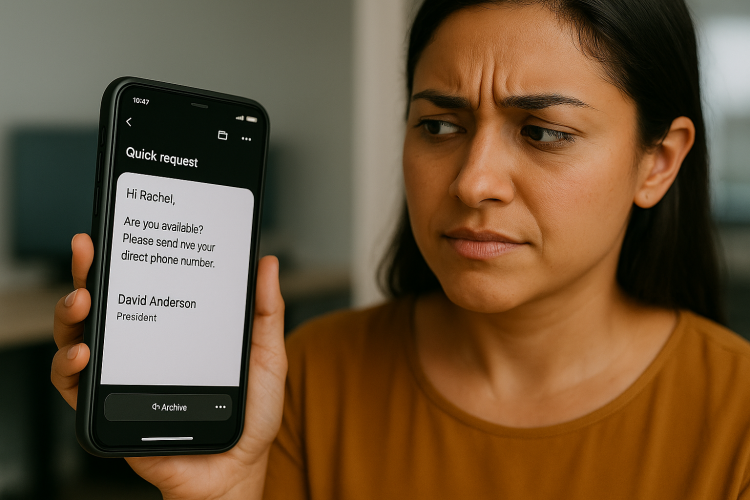
• About/Team Pages: Consider using only first names and general personality items (e.g. ‘loves nature and music’), NOT anything hinting internal roles. If your staff’s full name and job title are available on both your website and LinkedIn, you’ve handed spoofers a playbook.
3. Other Precautions to Consider
• Conduct a “What could an attacker learn about us in 10 minutes?” exercise
• Periodically Google your team names + company to see what’s publicly visible
• Remove or redact old press releases, bios, and documents that list job titles and hierarchy